> ## Documentation Index
> Fetch the complete documentation index at: https://developer.nomba.com/llms.txt
> Use this file to discover all available pages before exploring further.
# Get API Keys
> We are excited to have you here.
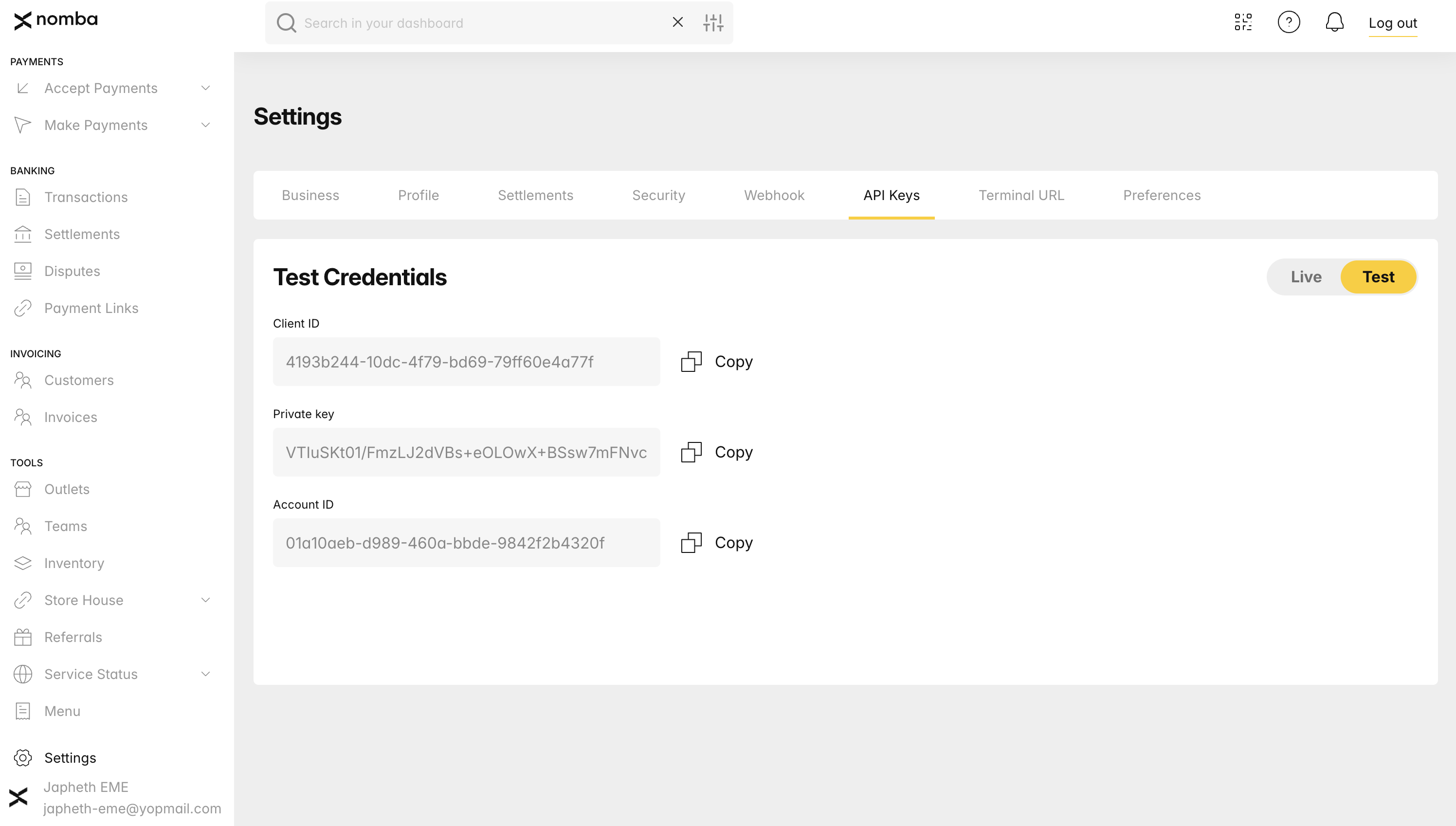
You can effortlessly create your API keys within your Nomba dashboard. Navigate to your settings and click on the `API Keys` tab. You will find an interface similar to the image below.
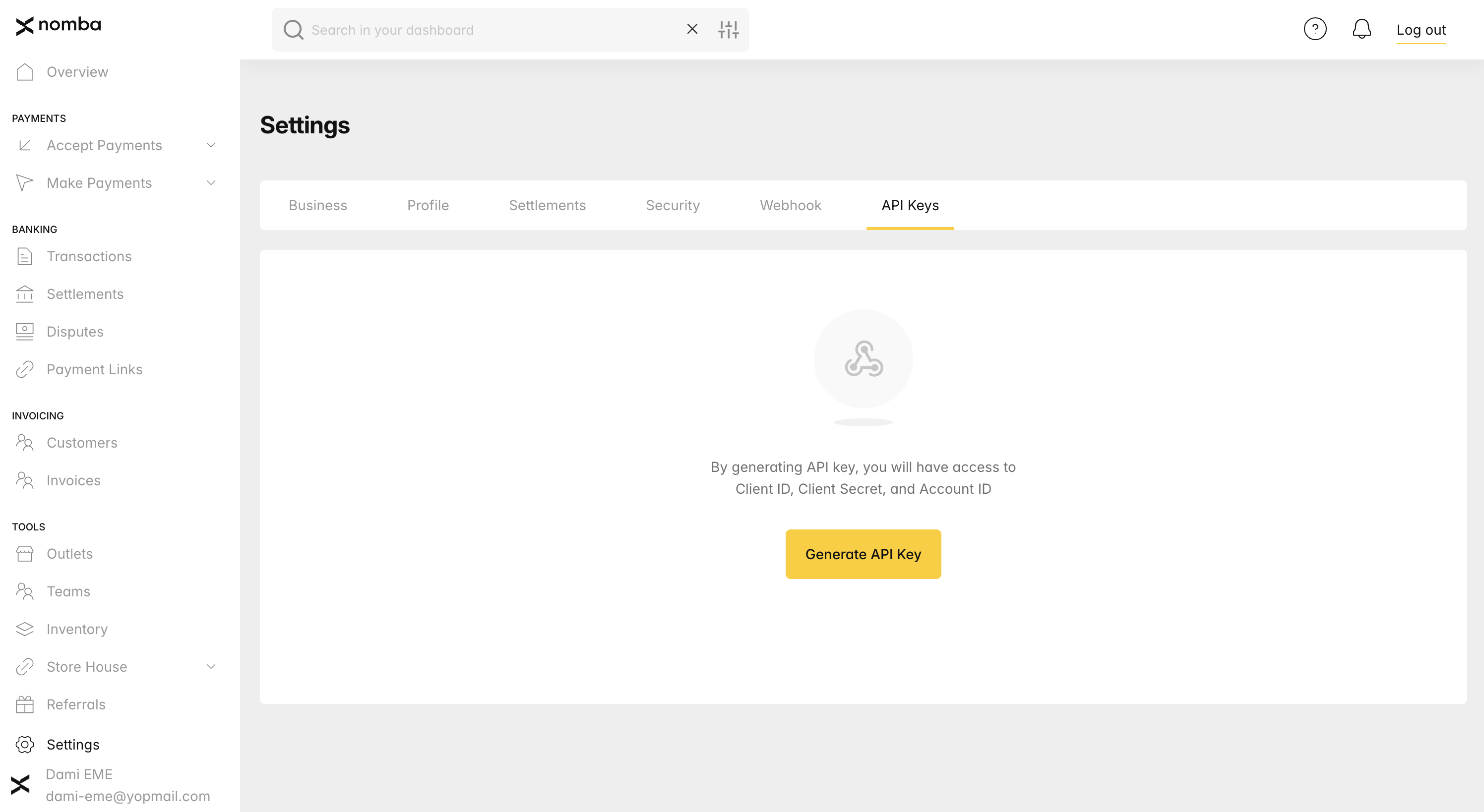 Kindly follow the steps illustrated in the above image to generate your API Key. Once the API Keys are generated, you can copy them for integration with the Nomba API. After copying, make an effort to [Obtain a token.](/docs/getting-started/get-api-keys)