

This guide walks you through the full integration journey. For a detailed field reference, code examples, and advanced features, see the Create Checkout Order product page.
Introduction
Nomba Checkout is a hosted payment page that lets your customers pay via bank transfer or debit card (Mastercard, Visa, Verve). You create an order via API, hand your customer the checkout link, and Nomba handles the payment flow — including card authentication, OTP, and 3DS.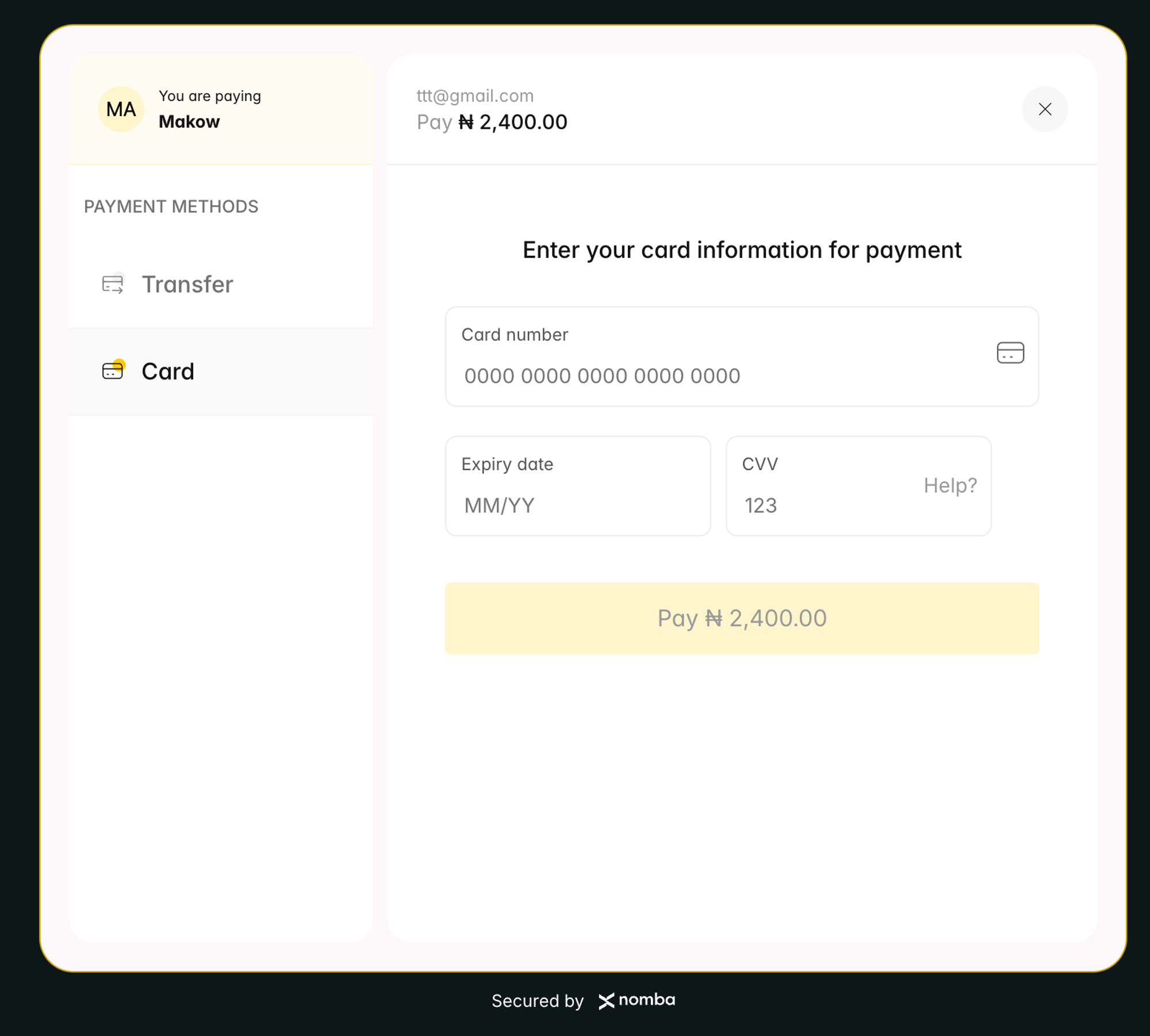
Accept online payments
Integration steps
1
Get your API keys
Before making any API call, retrieve your credentials from the Nomba dashboard. You’ll need your
clientId, clientSecret, and accountId.Both sandbox (test) and production credentials are available. Use sandbox credentials with https://sandbox.nomba.com during development. See Environment for base URL details.2
Configure your webhook
Nomba notifies your server of payment events via webhooks. Set up your webhook endpoint in the dashboard and subscribe to the
payment_success event before you go live.See the Webhook guide for setup instructions and payload verification.3
Authenticate
Exchange your credentials for an access token. All subsequent API calls require this token in the
Authorization header.Response
4
Create a checkout order
Call For the full list of request fields (split payments, tokenization, allowed payment methods), see Create Checkout Order.
POST /v1/checkout/order with the payment amount and customer details. Nomba returns a checkoutLink — display or redirect your customer to this URL to complete payment.Response
The
orderReference in the response is the Nomba-generated order ID, not the reference you passed in the request. See Create Checkout Order for how the two values are used.5
Handle the webhook
Once payment is successful, Nomba sends a Bank transfer webhook:See the Webhook guide for signature verification instructions.
payment_success webhook to your configured URL. The payload differs slightly between card and bank transfer payments.Card payment webhook:6
Verify the transaction
Always verify the transaction server-side before delivering goods or services. Do not rely on the webhook alone.Use the Check that
transactionId from the webhook (data.transaction.transactionId) to call GET /v1/transactions/accounts/single:data.status is "SUCCESS" before proceeding.Next steps
Checkout Overview
See all checkout features and quick links
Sandbox Testing
Test your integration with sandbox credentials and test cards
Recurring Payments
Charge saved cards for subscriptions and recurring billing
Refund a Transaction
Process refunds for completed payments