

Before you start
Get your sandbox credentials
Log in to the Nomba dashboard, navigate to API Keys, and copy your testclientId, clientSecret, and accountId. These are generated alongside your production credentials and only work with https://sandbox.nomba.com.
Generate a sandbox access token
Exchange your test credentials for an access token. The sandbox token is short-lived — if you get401 errors mid-test, generate a new one.
Response
All sandbox checkout endpoints are under the
/sandbox/checkout/ path prefix, not /v1/checkout/. This is the key difference between sandbox and production.Card payment flow
Step 1 — Create a checkout order
Response
If you omit
orderReference, Nomba generates one in the format {accountId_prefix}_{timestamp} and returns it in the response. Use that value for all subsequent calls.https://checkout.nomba.com/sandbox/{encryptedRef} — note the /sandbox/ segment, which distinguishes it from production links.
Orders and their data are stored for 48 hours before expiring.
Step 2 — Submit card details
Submit the test card details to the checkout. The response depends entirely on which card number you use.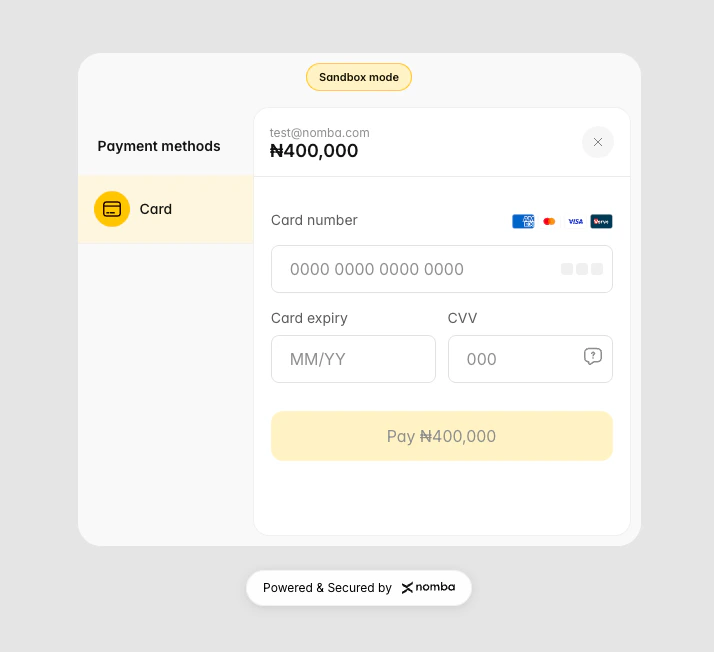
Submit Card with Detail Form
Test card numbers
Use one of these three cards to simulate different payment outcomes:Card expiry, CVV, and PIN values are not validated in the sandbox — any values are accepted. Only the card number determines the outcome.
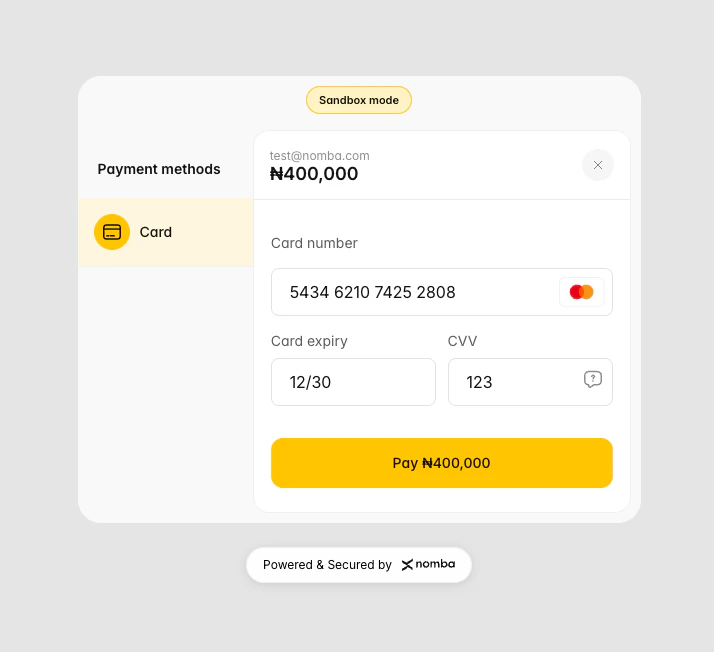
Submit Card Detail Form
Step 3 - Submit Card Pin (if required)
Enter any 4-digit PIN. The examples on this page use9999.
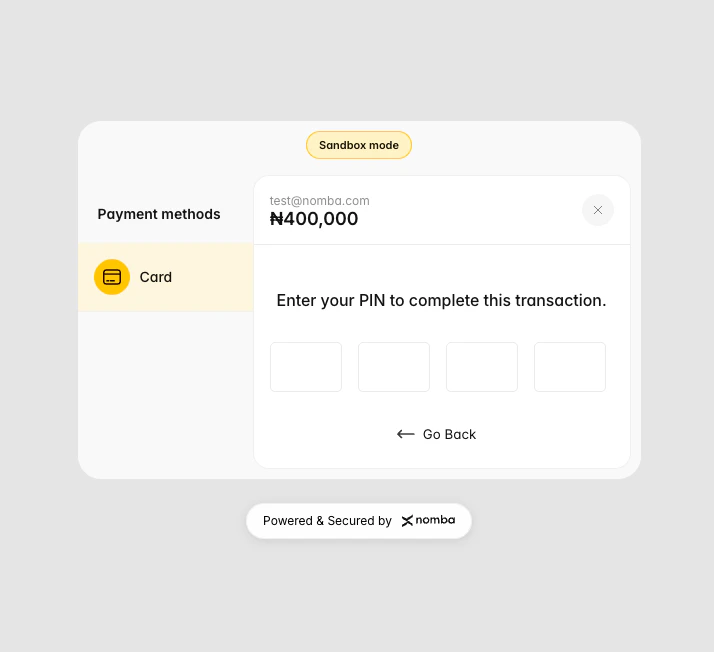
Submit Card Detail Form
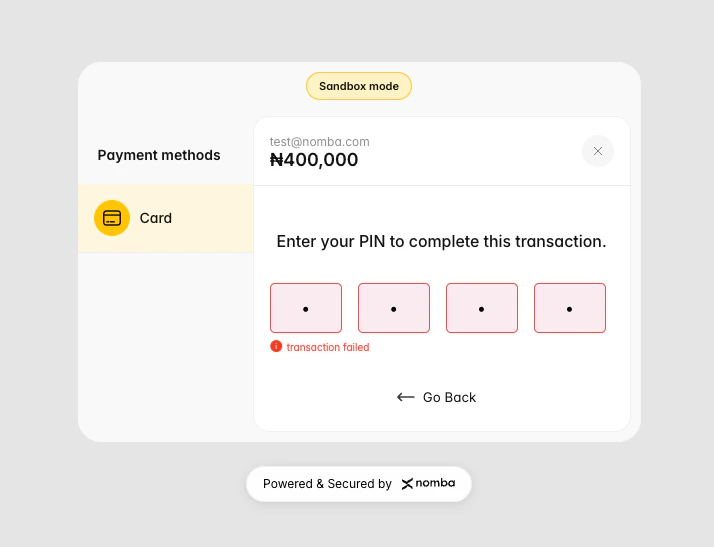
Submit Card Detail for Failed Transaction
Step 4 — Submit OTP
After submitting the successful Mastercard (5434621074252808), the customer is prompted for an OTP. Submit one of the following test values to control the outcome:
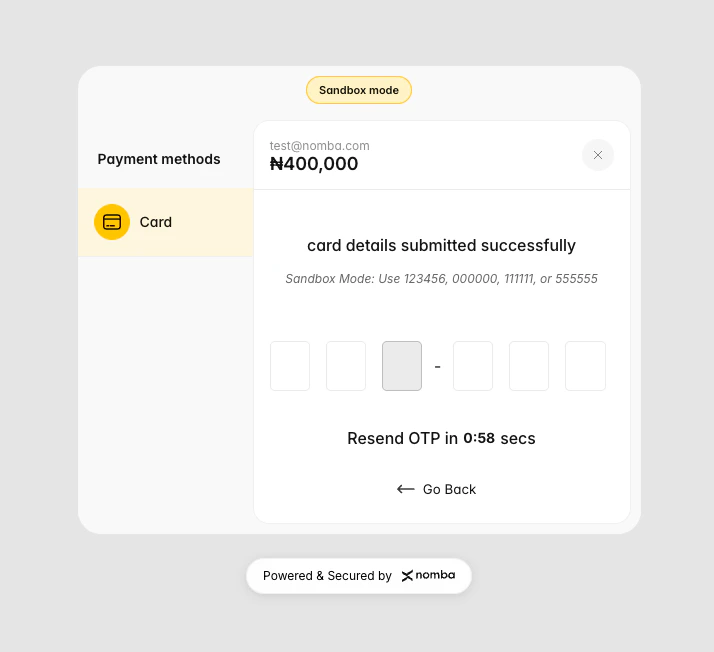
Submit Card Detail Form
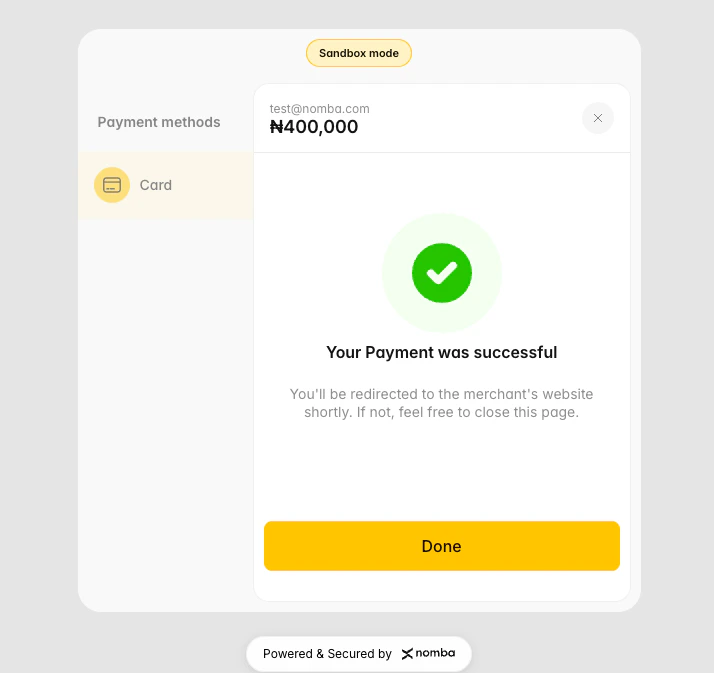
Submit Card Detail Form
callbackUrl with a payment_success event. See Webhook payload below.
Step 4 — Verify the transaction
Use the sandbox-specific fetch endpoint to confirm the transaction result:Response
idType=orderReference or idType=orderId. The id value changes accordingly.
The sandbox transaction fetch endpoint is
GET /sandbox/checkout/transaction — not GET /v1/checkout/transaction, which is production-only. Transaction IDs in the sandbox follow the format WEB-ONLINE_C-{first6charsOfAccountId}-{UUID}.International card flow
Test payments from foreign cards on the International side of the card channel. The flow is the same as production, including the 3D Secure (3DS) step every international card goes through. Every sandbox account can use it. In production, international card payments need approval first.Step 1 — Create an order in USD, GBP or EUR
Use the samePOST /sandbox/checkout/order request as above, with "currency": "USD" (or GBP, EUR). Open the checkoutLink, choose Card, then switch to International. The page shows the order amount and currency, plus the fee if your fee setting charges the customer.
Step 2 — Pay with a test card
Any cardholder name, CVC and future expiry date work.
Step 3 — Verify the transaction
Fetch the result withGET /sandbox/checkout/transaction, exactly as for Nigerian cards. International card payments have cardDetails for the foreign card:
Response (success)
"success": false.
Webhooks
A successful international payment sendspayment_success. A failed or declined one sends payment_failed. Both have the same shape as Nigerian card webhooks, with paymentMethod set to pay_with_stripe_card (the value production sends) and the foreign card in customer:
Sandbox-only differences: transaction IDs,
merchantTxRef and card numbers are test values, and the fee is a fixed test amount.International pay-by-bank flow
Test payments from UK and European bank accounts on the Bank App channel. In production, the customer picks their bank and approves the payment in their banking app. In sandbox, a test page stands in for the bank’s app, so you choose how the payment ends. Every sandbox account can use it. In production, pay-by-bank needs approval first.Step 1 — Create an order
Use the samePOST /sandbox/checkout/order request as above. Bank App is offered for every order currency except USD and CDF. Open the checkoutLink and choose Bank App.
Step 2 — Choose a country and bank
Select the customer’s country (United Kingdom, Germany, France, Netherlands, Spain or Belgium) and a bank, for example Monzo or Barclays, then select Continue to Monzo (or your chosen bank). The test bank page shows the bank and the amount.Step 3 — Choose the outcome on the test bank page
An order can be authorised only once. A second authorisation fails with “This order has already been paid.” and records nothing.
Step 4 — Verify the transaction
Fetch the result withGET /sandbox/checkout/transaction, as for card payments. Pay-by-bank payments have no cardDetails:
Response (success)
"success": false and "message": "Your bank declined the payment.".
Webhooks
An authorised payment sendspayment_success. A declined one sends payment_failed. Both have the same shape as card webhooks, with paymentMethod set to Pay With Volume (the value production sends for pay-by-bank) and the customer’s bank in customer.billerId:
Sandbox-only differences: there is no real bank redirect, transaction IDs and
merchantTxRef are test values, and the fee is a fixed test amount.Webhook payload
The sandbox fires webhooks synchronously immediately after a successful transaction — either after OTP approval (card) orconfirm-transaction-receipt (bank transfer). Webhooks include HMAC-SHA256 signature headers for verification.
Signature headers:
Sample card payment webhook payload:
callbackUrl when creating the order.
Refund testing
Refunds are available in the sandbox. UsePOST /sandbox/checkout/refund with the transactionId from the fetch transaction response.
transactionId:
code: "400" regardless of the amount.
Simulating error states
Next steps
Create a Checkout Order
Full field reference and production code examples
Verify Transactions
Confirm payment status before delivering value
Webhooks
Set up and verify webhook signatures
Environment
Understand sandbox vs production base URLs